
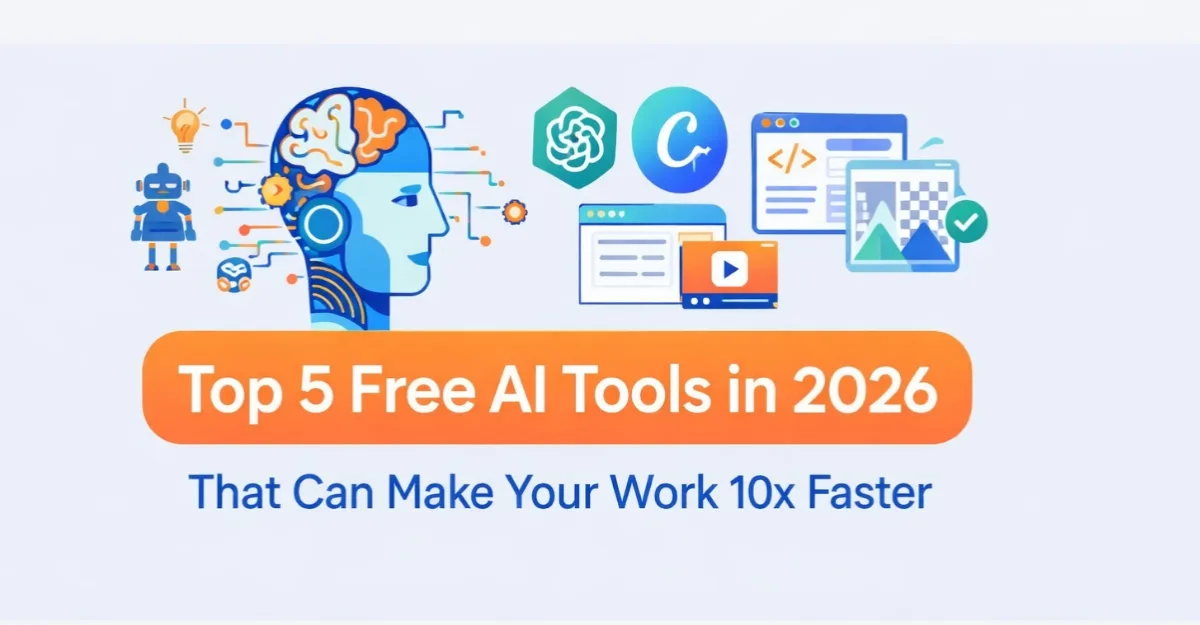
The freelance market is more competitive than ever in 2026. To stand out and manage your time effectively, using Artificial Intelligence (AI) is no longer a luxury—it is a necessity. Whether you are a graphic designer, content writer, or virtual assistant, the right tools can save you hours of manual work. Here are the 5 best free AI tools every freelancer must use this year.
1. ChatGPT-4o (For Brainstorming and Communication)
ChatGPT remains the king of content generation and client communication. The free version allows freelancers to write professional email proposals, generate blog outlines, and translate text instantly.
Read More:GTA 6 Release Date & Gameplay Leaks: Everything We Know So Far
-
- Best for: Writing pitches and debugging simple code.
- Pro Tip: Use specific prompts like “Act as a premium copywriter and write an email to a potential client.”
2. Canva AI (For Instant Graphic Design)
Canva’s integrated AI suite features “Magic Studio,” which allows you to convert text into beautiful images, remove video backgrounds automatically, and resize designs instantly. It helps non-designers create stunning social media posts for their clients.
-
- Best for: Social media managers and content creators.
- Pro Tip: Use the “Magic Write” tool inside Canva to sync your visuals with punchy captions.
3. Notion AI (For Project Management)
Managing multiple clients can get messy. Notion AI helps freelancers organize tasks, summarize long client notes, and track project deadlines in a single dashboard. It automates repetitive writing tasks and structures raw thoughts into professional tables.
-
- Best for: Virtual assistants and project coordinators.
- Pro Tip: Use Notion’s free templates to share transparent project timelines with your clients.
4. ElevenLabs (For Realistic AI Voiceovers)
If you offer video editing or podcast services, ElevenLabs provides the most natural-sounding AI voices for free. You just need to paste your script, select a human-like voice, and download the audio file in high quality.
-
- Best for: Video editors and YouTube automated channel creators.
- Pro Tip: Use the “Voice Design” feature to create a unique voice identity for your brand.
5. Grammarly (For Error-Free Writing)
Even a tiny spelling mistake can ruin your reputation with a high-paying client. Grammarly’s AI assistant checks your tone, fixes advanced grammar errors, and suggests better vocabulary words in real-time as you write.
-
- Best for: Content writers, bloggers, and copywriters.
- Pro Tip: Install the free Chrome extension so it works across Google Docs, Gmail, and Upwork.
Comparison Table of Free AI Tools
| Tool Name | Primary Use Case | Free Limit |
|---|---|---|
| ChatGPT-4o | Copywriting & Strategy | Standard Daily Usage |
| Canva AI | Image & Video Design | Generous Free Credits |
| Notion AI | Project & Task Tracking | Basic Workspace Free |
| ElevenLabs | Voice Generation | 10,000 Characters/Month |
| Grammarly | Grammar & Tone Fixing | Unlimited Basic Check |
Conclusion
You do not need an expensive budget to grow your freelance business. By combining these five free AI tools, you can handle double the workload in half the time. Start exploring them today and take your freelance career to the next level!
You do not need an expensive budget to grow your freelance business. By combining these five free AI tools, you can handle double the workload in half the time. Start exploring them today and take your freelance career to the next level!




Leave a Reply